
Excel is useful until it becomes your operational system. Learn how spreadsheets create offshore risk and what to do instead.
Excel is a powerful tool. It’s flexible, familiar, and fast especially when you’re trying to track projects, crew details, competence records, or daily operational data.
But offshore operations are not a normal office environment. They’re high risk, high cost, and highly audited. And that’s where the Excel Trap happens: when a spreadsheet quietly becomes the system of record for operational truth.
When that happens, the risks aren’t theoretical. They show up as rework, delays, incorrect reporting, audit pain, and decisions made from incomplete or inaccurate information.
What is the “Excel Trap”?
The Excel Trap is when spreadsheets move beyond basic tracking and start carrying responsibilities they weren’t built for like:
- controlled approvals and sign offs
- traceable change history
- role based access control
- consistent data capture across rotating teams
- audit-ready records that can be defended with confidence
Excel can support operations. But when it becomes the backbone of offshore recordkeeping, it often introduces more risk than people realise.
Why Excel spreads so easily in offshore companies
Spreadsheets become standard for good reasons:
- They’re quick to set up for a new project or client requirement
- They adapt easily when scope changes
- Most teams already know how to use them
- They feel “good enough” until things scale
The challenge is that offshore operations rarely stay small or simple. Projects grow, disciplines expand, client reporting demands change, and crews rotate. Excel scales in effort not in control.
7 ways Excel becomes operational risk
1) Version control becomes guesswork
Most offshore teams have seen it:
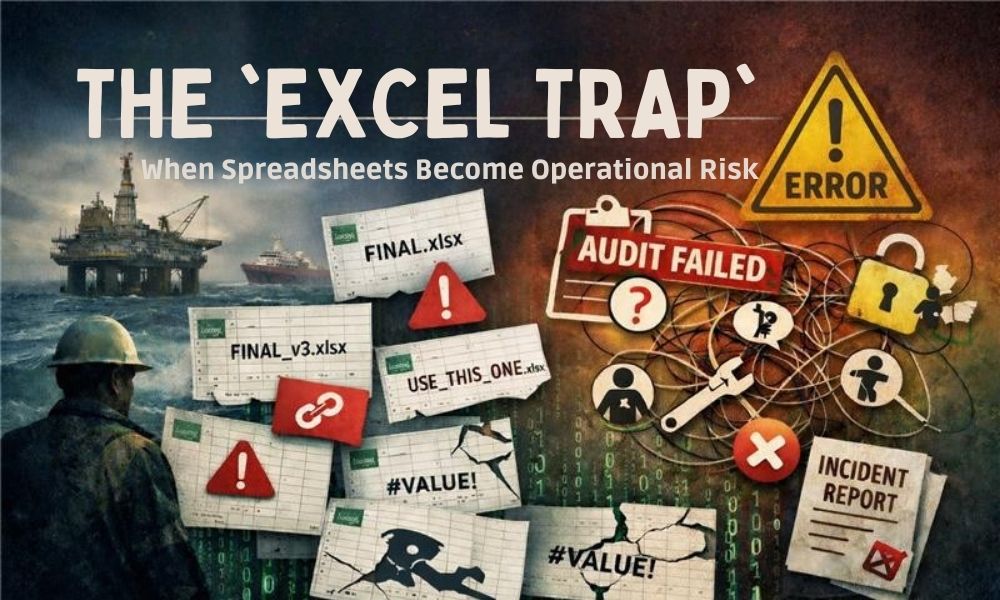
- “Final.xlsx”
- “Final_v3.xlsx”
- “Final_v3_USE_THIS_ONE.xlsx”
When multiple copies exist across email threads, WhatsApp groups, shared drives, and personal laptops, the team loses certainty about which file is current.
That uncertainty creates risk because decisions get made from the wrong version often without anyone noticing until it’s too late.
Offshore impact: inconsistent reporting, duplicated effort, wrong decisions, and arguments during audits.
2) There’s no dependable audit trail
Offshore environments often require you to answer questions like:
- Who captured this entry?
- Who approved it?
- When was it changed?
- What did it say before?
- Why was it amended?
Spreadsheets are not built for strong, tamper-resistant traceability. Even when file history exists, it’s rarely clear enough for operational assurance.
Offshore impact: weak defensibility during audits, incident reviews, and client disputes.
3) Hidden formulas create silent failures
Excel is extremely sensitive to human error. A single mistake can affect an entire dataset:
- formulas overwritten by copy/paste
- incorrect filters applied and saved
- hidden rows excluded from calculations
- sorting that breaks linked fields
- “quick fixes” that don’t follow the logic
The real danger is that the spreadsheet still looks professional. The error is often invisible.
Offshore impact: incorrect KPIs, flawed close out reports, poor planning decisions, and unexpected compliance gaps.
4) Data becomes siloed across projects and teams
When every supervisor, vessel, region, or discipline has a different spreadsheet, you lose the ability to get a consistent view across the business.
It becomes difficult to answer basic operational questions like:
- Which recurring issues are causing rework?
- Where are training gaps showing up most often?
- How do project timelines compare across regions?
- Which equipment failures are trending?
Offshore impact: reactive management, missed early warning signs, and poor standardisation across teams.
5) Access control becomes trust-based
Offshore recordkeeping typically needs role based control. For example:
- divers can log, but cannot edit sign offs
- supervisors can approve, but not rewrite history
- managers can review, without changing data
- clients can receive reports, without seeing internal notes
Excel doesn’t handle those layers cleanly. So companies fall back on trust: “Please don’t change anything.”
Offshore impact: weak governance, accidental edits, and unclear accountability.
6) Reporting turns into manual labour
Spreadsheets often make reporting a separate project at the end of the project:
- collecting files from multiple people
- copying data into templates
- cleaning inconsistencies
- reformatting for different clients
- double-checking calculations
That’s not only slow it increases the chance of errors and drains time from planning, quality, and safety.
Offshore impact: delays in close out reporting, increased admin burden, and more opportunities for mistakes.
7) Excel doesn’t scale with rotating crews and multiple disciplines
As soon as you add:
- more vessels
- more projects
- more regions
- more client reporting formats
- more disciplines (diving, ROV, rope access, rigging)
…spreadsheets become harder to manage, harder to standardise, and harder to defend.
Excel scales through more people spending more time. That’s not scale that’s friction.
Offshore impact: inconsistent data, inconsistent process, and admin that grows faster than the business.
Warning signs you’re already in the Excel Trap
If any of these are true, Excel has moved into operational risk territory:
- your team regularly asks “which file is correct?”
- data is entered more than once (retyped across sheets/templates)
- project reports take days to compile
- audits require digging through emails and folders
- only one or two people “really understand” the spreadsheet
- mistakes are discovered late usually at close out
- you can’t confidently answer “who changed what?”
A practical way out (without ripping everything out overnight)
This isn’t about banning Excel. Excel still has value especially for analysis.
The goal is to stop using Excel as the operational truth.
A realistic transition approach for offshore companies:
- Standardise the data structure (fields, naming, formats, mandatory inputs)
- Digitise daily capture at source so data is recorded once, where it happens
- Centralise records to remove project by project silos
- Introduce role based permissions for logging, approvals, and review
- Make reporting a by product of structured data, not an end of project scramble
- Keep Excel for analysis, not for approvals, traceability, and record control
The real goal: confidence in your records
Offshore operations don’t need “more software.” They need:
- consistent capture
- traceability
- accountability
- less admin
- better decisions with fewer surprises
Spreadsheets are excellent for exploring data. But when the business relies on them for controlled operational recordkeeping, the organisation inherits risk quietly, gradually, and usually expensively.
If you want to truly see beyond the surface, start by protecting your operational truth from the Excel Trap.